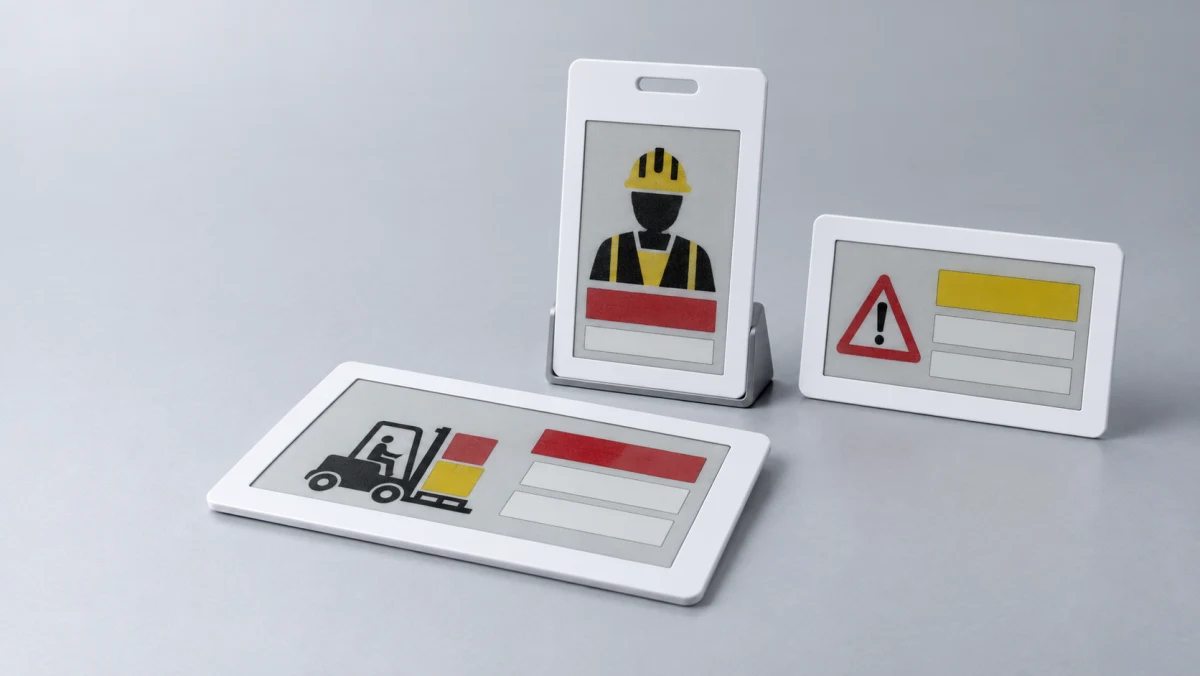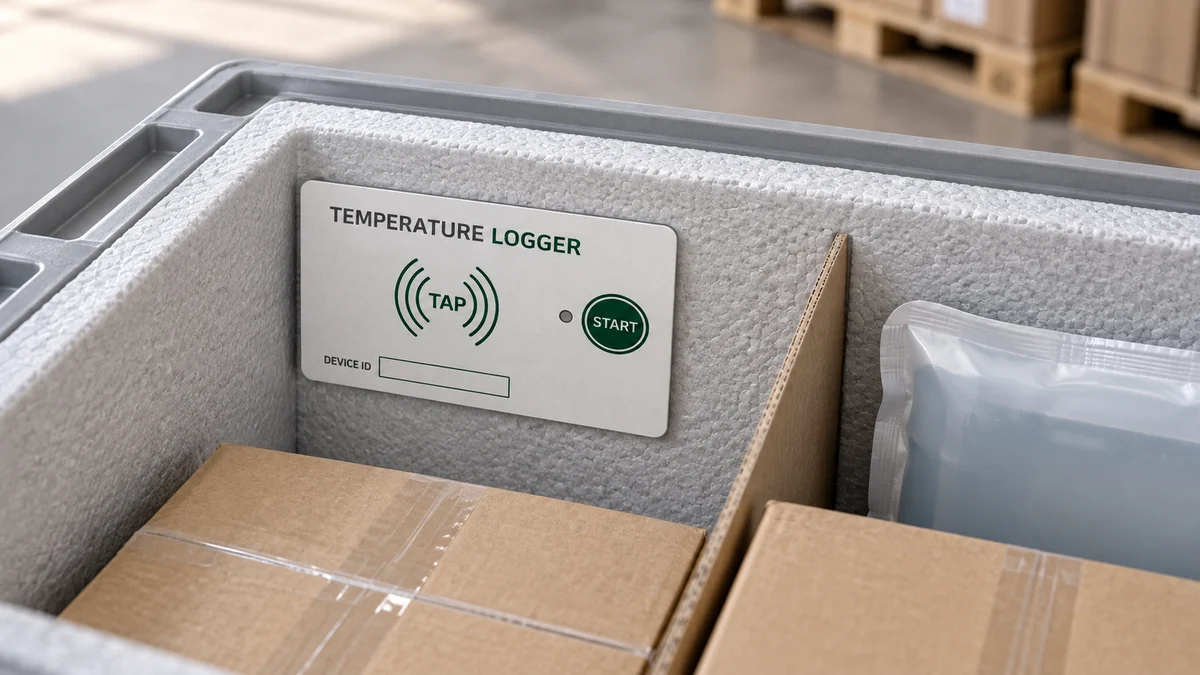
E-paper allows a card to show a name, ID, bed number, QR code, or asset state without continuously refreshing the image. That makes it attractive for staff badges, medical identity cards, visitor passes, and logistics labels. Putting a display module inside the outline is only the beginning. Display protection, refresh power, NFC/BLE antennas, buttons, attachment points, and cold-press loading have to be redesigned around the complete product.
E-paper saves display energy, but the complete card is not power-free
E Ink describes the bistable behavior that lets an image remain without continuous power; energy is primarily used when the image changes. The full product still powers the display controller, radio, memory, button sensing, and data update. A badge refreshed once per day and a status card refreshed every few minutes need different energy architectures.
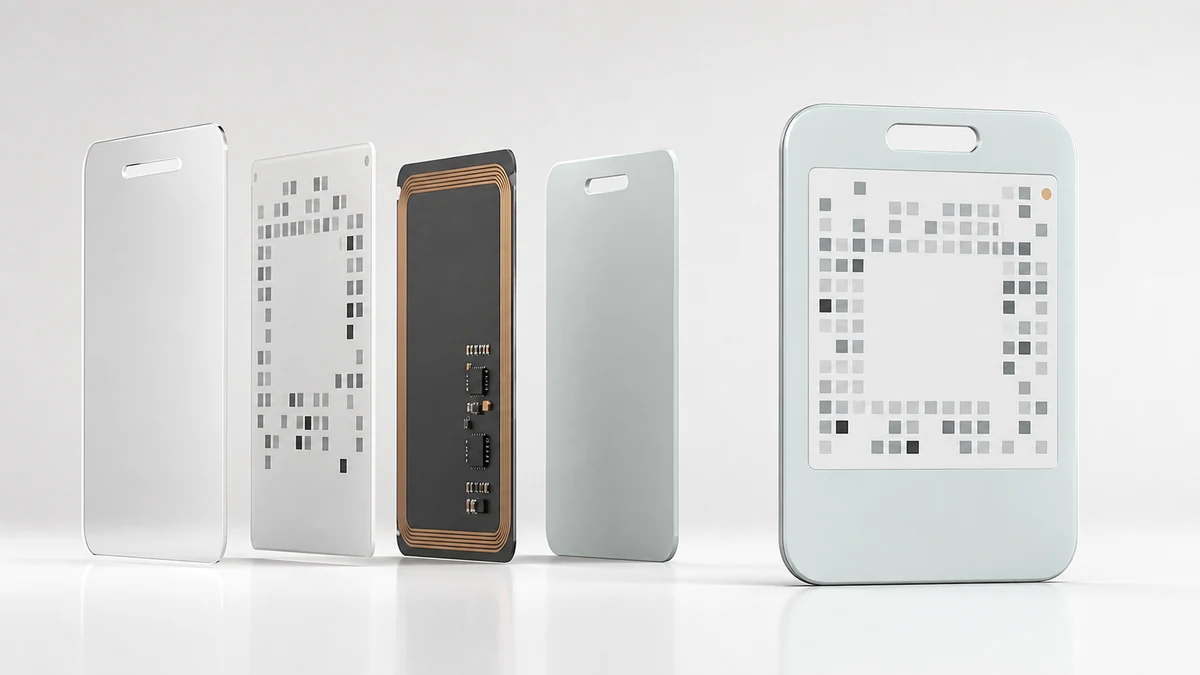
Protect the display before optimizing the appearance
The display edge and flex cable should not receive concentrated pressure. Window dimensions, cover thickness, edge steps, support surfaces, and flatness work together. A thick cover makes the image look recessed, while an overly thin cover can transfer drop and bending loads into the display.
Staff and medical badges add lanyard slots or holders near the display. Validation should include hanging, impact, twist, and cleaning, not only a card lying flat on a bench.
NFC and BLE must be tested in the finished assembly
The display, flex cable, battery, metal attachment, and body-worn use all change the antenna environment. Products combining NFC access and BLE updates need validation in representative tap directions, wearing positions, and the complete cold-pressed structure. A tuned bare board does not prove finished-device margin.
The application workflow determines refresh behavior
A staff badge may update identity and access daily, a patient card when care status changes, and a logistics label at process milestones. Define whether NFC, BLE, infrastructure, or a local button triggers the update, where data originates, what remains visible after a communication failure, and how expired information is indicated.
| Application | Typical content | Engineering focus |
|---|---|---|
| Staff badge | Name, department, access, QR code | Wearing, refresh rate, NFC/BLE, battery life |
| Medical identity card | Patient, bed, care status | Readability, cleaning, updates, failure display |
| Logistics label | ID, process state, barcode | Mounting, temperature, bulk update, durability |
The cold-pressed structure needs a mechanical buffer around the display
The display, controller board, and battery rarely share one height. Core cutouts, supports, and encapsulation manage those steps. Cure shrinkage should not pull the flex cable, and button or attachment loads should not migrate to the display edge. Pilot checks cover the window, flatness, refresh consistency, standby power, radio performance, and display behavior after bending.
Display size and page content, refresh frequency, power source, finished dimensions and thickness, attachment method, NFC/BLE functions, buttons and indicators, temperature, drop and bend requirements, and the data-update workflow.
Yuli’s scope from prototype to production
The customer owns product definition, graphics, brand, and channel. Yuli can support custom hardware, firmware functions, display and antenna integration, prototypes, validation, pilot builds, and cold-pressed manufacturing. Production specifications should remain tied to a defined display, PCBA, material stack, firmware revision, and test condition.